PluginsWooCommerceon WordPress.org
Product-Linked Attributes Mapper
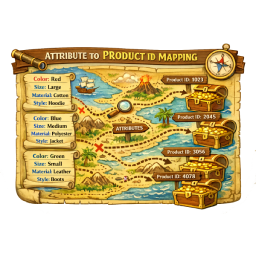
Your attribute terms aren't strings. They're products. Wire them up.
Attributes That Link Back.
Free is the whole plugin — Pro is an optional upgrade, never a paywall. v1.0.6 · WordPress 6.0+ · PHP 7.4+ · needs WooCommerce
One price list. No lite-version tricks.
Prices in USD. Checkout is WooCommerce on bigbad.agency — the figures below are read from that checkout when this page is built, so what you see is what it charges.
Free
$0forever
Full attribute → product mapping
- Per-attribute opt-in
- Product search in term editor
- Front-end attribute links
- Cached term lookups
- Non-destructive
Most pickedPro · 1 Site
$39/year
For one production shop
- Everything in Free
- Bulk-map attribute terms to products
- Image / icon per attribute term
- Custom term-page templates
- SEO meta per attribute term
- Email support
Pro · 5 Sites
$99/year
For multi-site stores
- Everything in 1 Site
- Use on up to 5 sites
- Priority email support
Pro · Agency · Unlimited
$299/year
For dev shops & agencies
- Everything in 5 Sites
- Unlimited site activations
- Priority email support
Licence keys are per site activation. Upgrade between tiers any time — you pay the difference.
- Version
- v1.0.6 on WordPress.org
- Last update
- 23 Jul 2026
- Tested up to
- WordPress 7.0.4
- Needs
- WordPress 6.0+ · PHP 7.4+ · WooCommerce
Read from WordPress.org when this page was built (15 Sept 2026).
What it fixes.
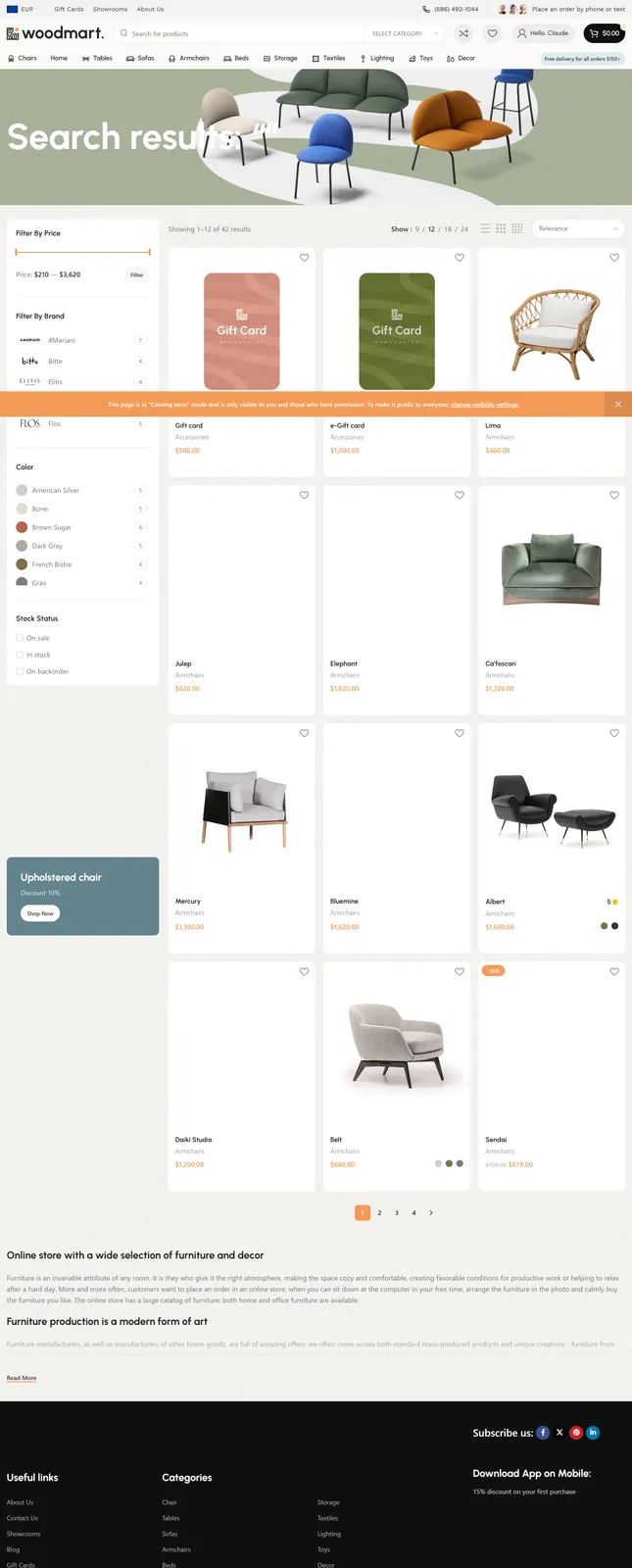
In stock WooCommerce, attribute values like brand names, strain names, model numbers, and makers are just dumb text. Shopper clicks "Brand X" expecting to see the brand's page — gets a flat archive of products with that attribute. PLAM lets you flip selected global attributes into product-aware terms, so "Brand X" on a product is actually a pointer to the Brand X product, and clicking it on the front-end goes to that product's page. No taxonomy rewrites, no core replacement, no SQL migrations — just a smart layer on top of the attribute system you already use, with per-term images, SEO meta, and custom templates in Pro.
The value · before and after
What changes for you.
- Before
A shopper clicks a brand name and lands on a flat attribute archive that looks like every other page.
AfterThe brand term points at the brand’s real product page, so the click goes somewhere.
- Before
You imported 5,000 products with brand already filled in as text; nobody can rewire that by hand.
AfterPro’s Bulk Map takes a CSV in and a CSV out and wires every term to its product in one round trip.
- Before
Rebuilding the catalog to get proper brand, strain or model pages.
AfterA layer on top of the attribute system you already use — no taxonomy rewrites, no SQL migrations.
Why it is worth it
Versus doing nothing.
- Nothing changes until you opt an attribute in, and existing products stay exactly as they are — the cost of trying it is one toggle.
- Free is the full attribute-to-product mapping; Pro adds per-term images, SEO meta, templates and bulk mapping.
What is in the box
Free is the whole fix. Pro adds the heavy lifting.
Free · no purchase, no account
- Per-attribute opt-inChoose exactly which global attributes become product-linked. Others stay as standard WooCommerce taxonomies.
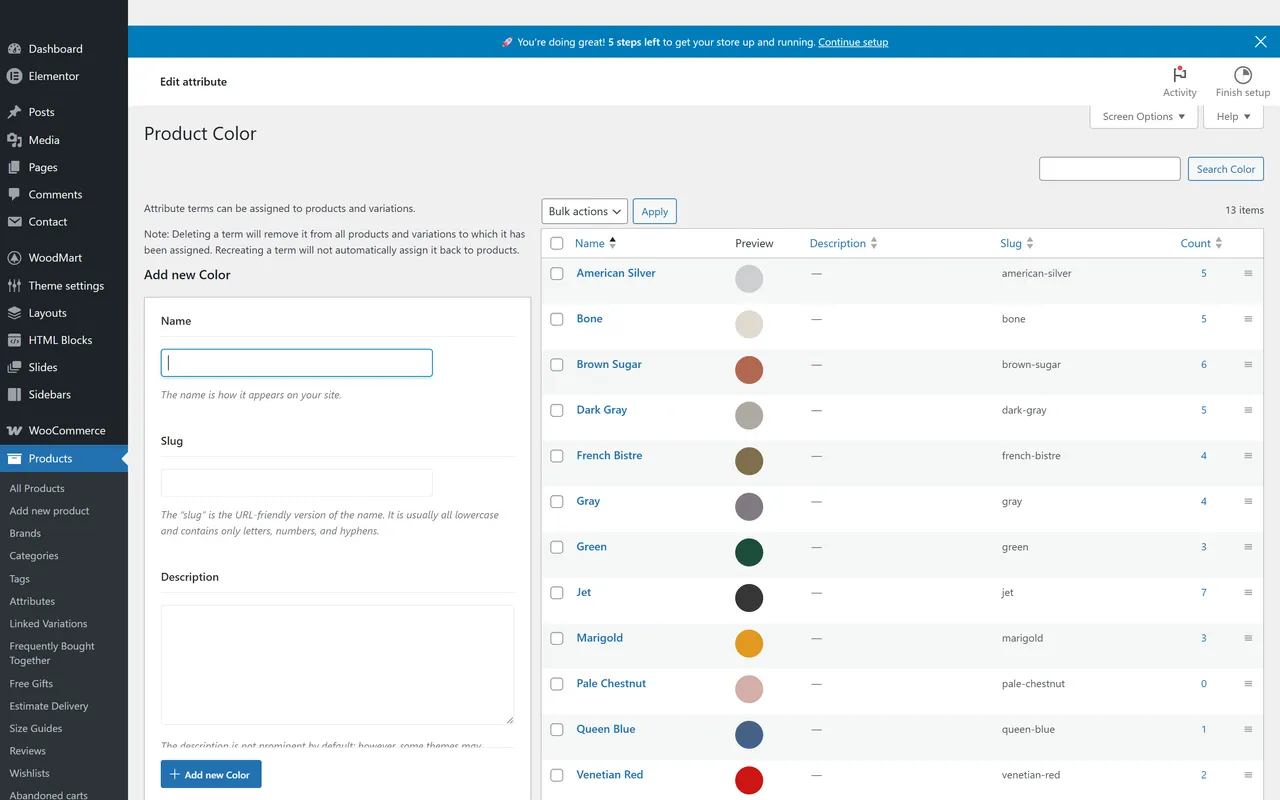
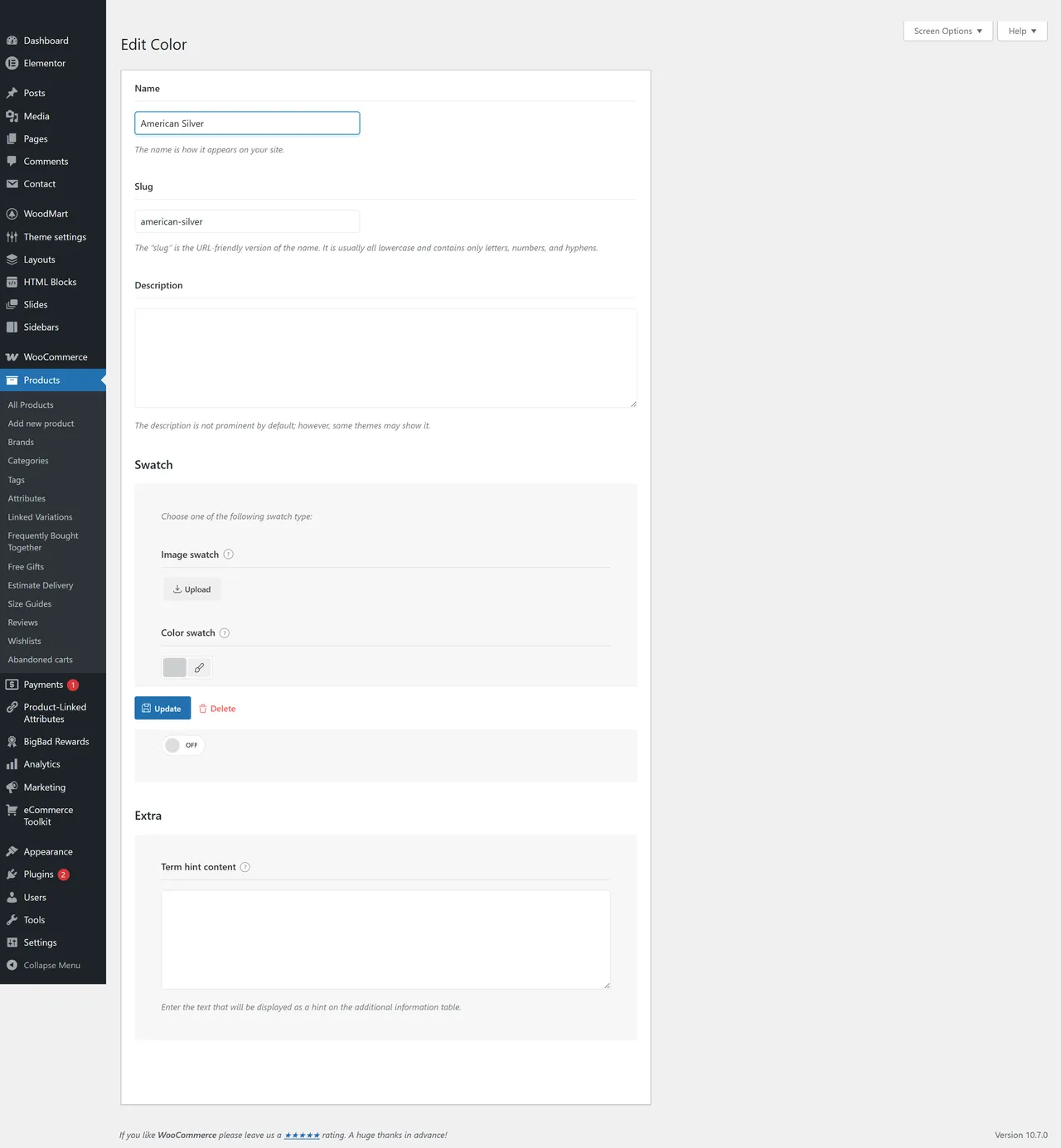
- Product search in the term editorWhen you assign a product-linked attribute to a product, you search across actual products instead of typing free text.
- Front-end attribute → product linksProduct-linked attribute values render as clickable links to the matched product page.
- WordPress-native lookupsUses get_terms() and core APIs. No direct SQL queries, no schema changes.
- Object-cached term lookupsPerformance-safe even on large catalogs — repeated lookups hit cache, not the database.
- Non-destructive behaviorExisting products and attributes stay exactly as they are until you opt them in.
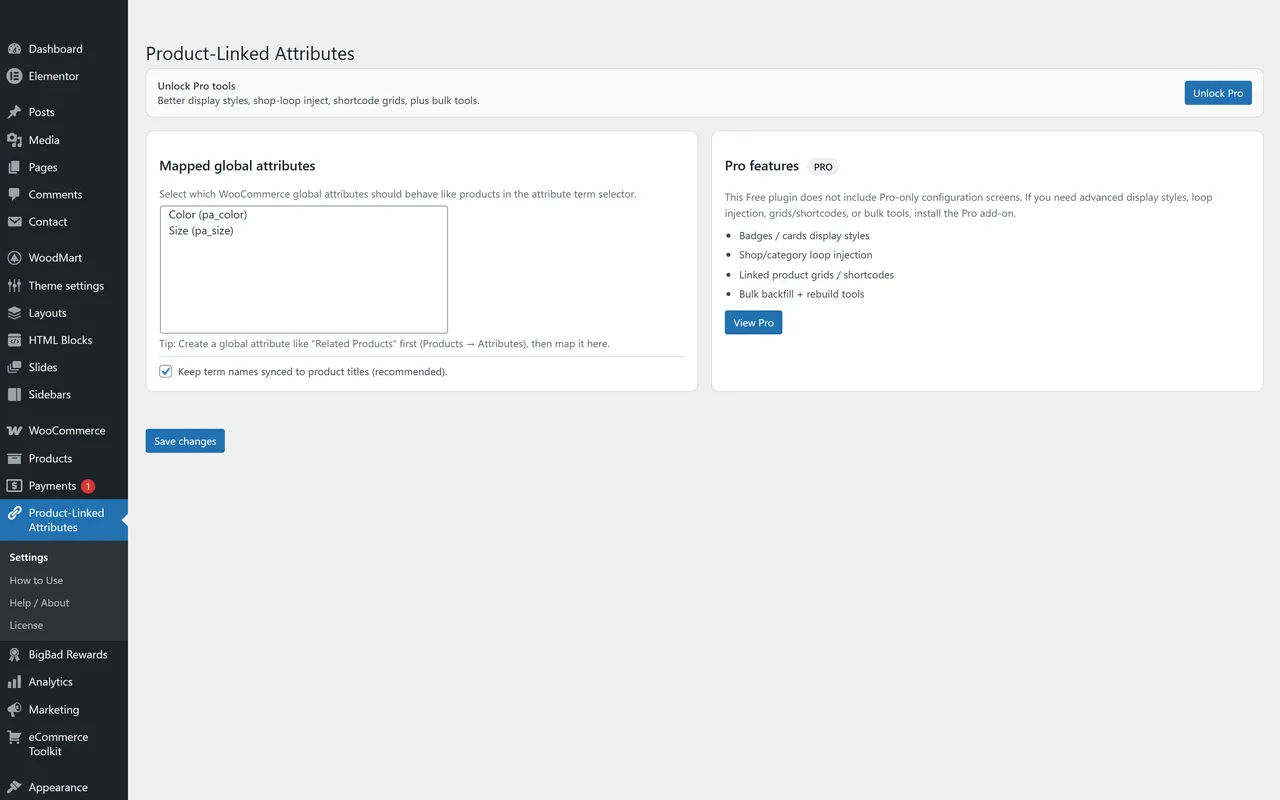
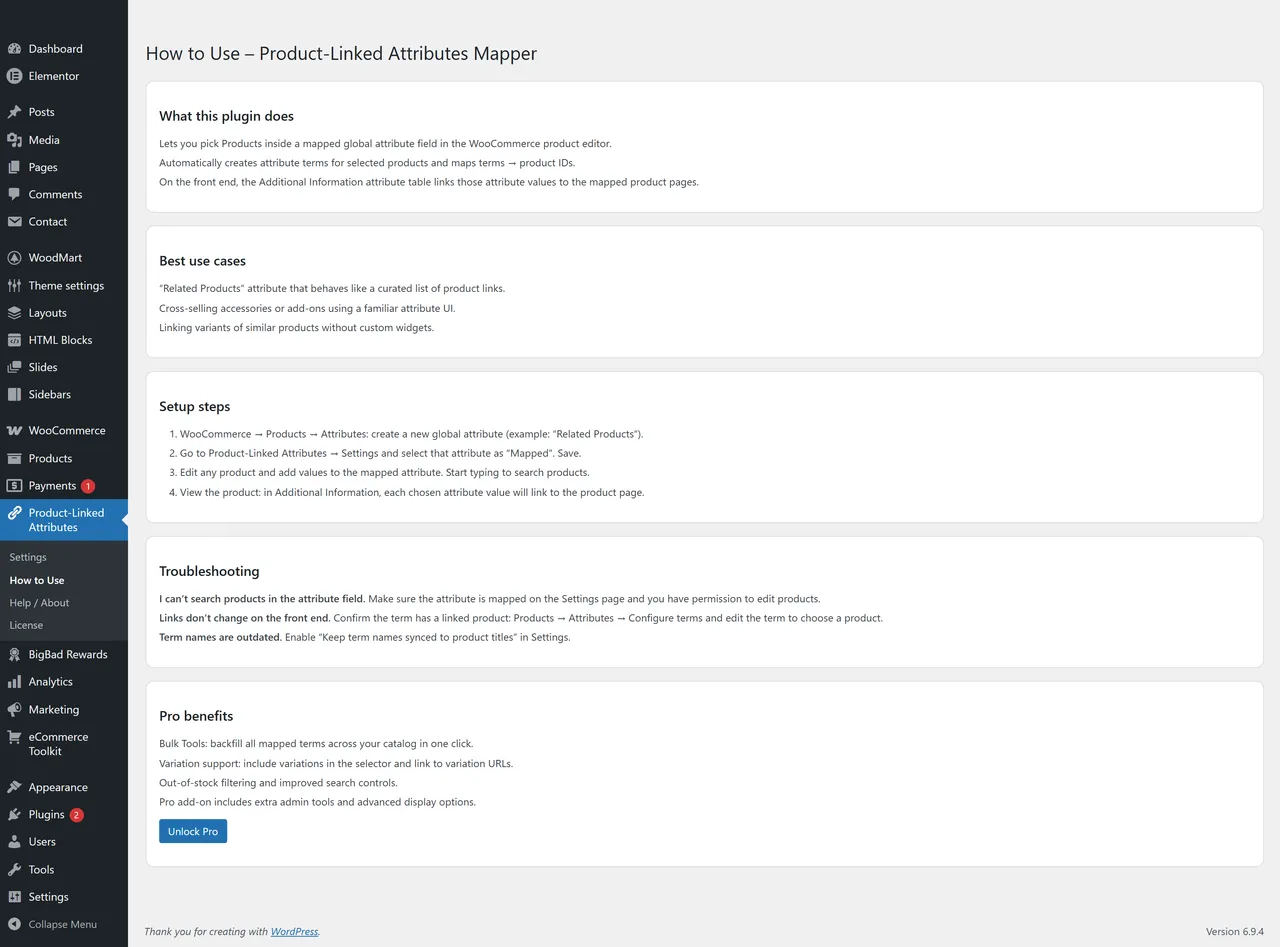
- Settings under BigBad Agency menuPer-attribute toggles in BigBad Agency → Product-Linked Attributes → Settings.
- Backwards-compatible meta keysPlugin handles migration between legacy _plam_product_id and current _bba_plam_product_id term meta automatically.
Pro adds · from $39/year
- Image / icon per attribute termPro adds an image picker (WP Media) on the Add/Edit-Term form for every mapped taxonomy. Stores attachment ID in term meta '_bba_plam_pro_image_id'. Surfaces the image on the front-end via the [bba_plam_term_image] shortcode (accepts taxonomy + term slug OR term_id, plus a size parameter) and a helper function bba_plam_pro_get_term_image($term_id, $size). Implemented in pro/includes/pro-core.php as of pro v1.1.0 (shipped 2026-05-16).
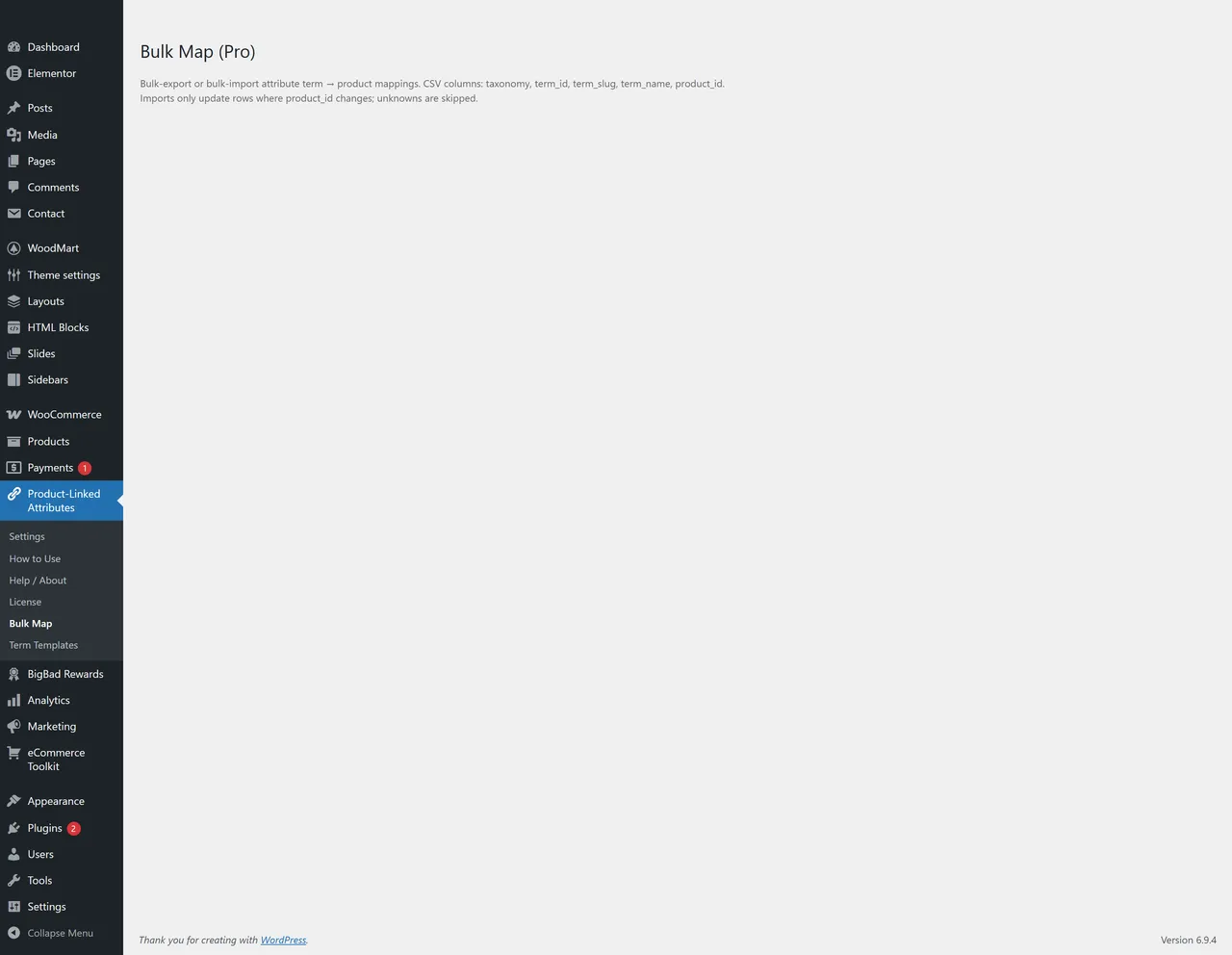
- Bulk-map attribute terms to productsCSV import/export of term→product mappings. Export downloads a CSV (columns: taxonomy, term_id, term_slug, term_name, product_id, product_title) per-taxonomy or for all mapped taxonomies. Import accepts the same shape; preview/dry-run flow shows every row that would change before commit. Skips unknown taxonomies/terms/products and unchanged rows. Pending state held in user-scoped 1h transient. Implemented in pro/includes/class-bulk-map.php as of pro v1.2.0 (shipped 2026-05-17).
- SEO meta per attribute termPer-term SEO title + meta description + canonical URL on every mapped taxonomy. Native fallback emits <meta name="description"> and <link rel="canonical"> when no SEO plugin is active. Yoast + RankMath compatibility via wpseo_title/metadesc/canonical and rank_math/frontend/title/description/canonical filters — PLAM values override the SEO plugin's defaults when set; empty = pass-through. Implemented in pro/includes/class-seo-meta.php as of pro v1.2.0 (shipped 2026-05-17).
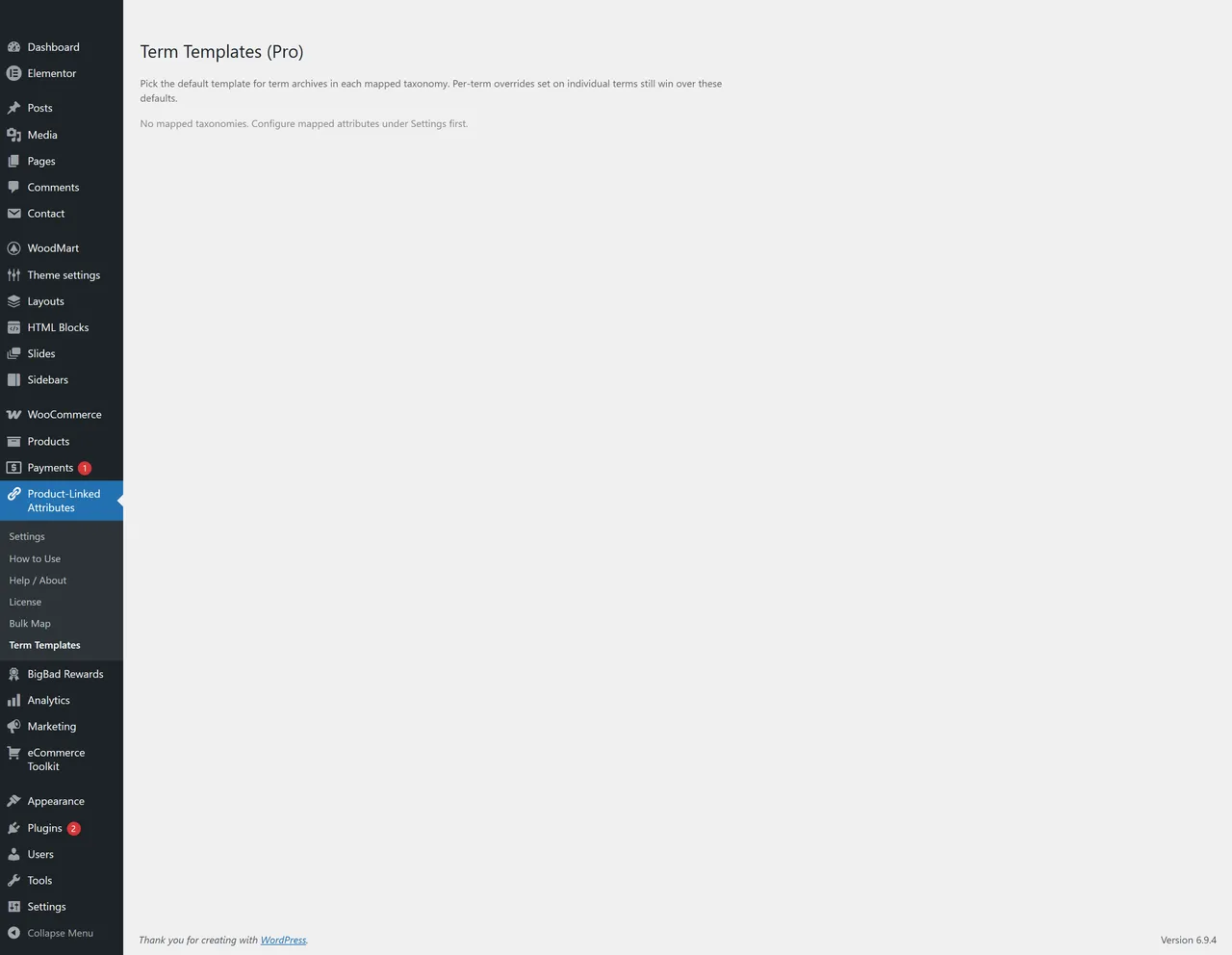
- Custom term-page templatesOverride the WordPress template hierarchy for any mapped taxonomy. Two-layer override: per-term picker on the term-edit form (dropdown of scanned theme templates), and per-taxonomy defaults set under the new 'Term Templates (Pro)' admin sub-page. Scans the active theme (and parent theme if child active) for taxonomy-*.php files in theme root plus anything under /plam-templates/. Hooks WordPress's taxonomy_template filter at priority 20. Implemented in pro/includes/class-custom-templates.php as of pro v1.2.0 (shipped 2026-05-17).
If any of these sound like you.
- 01
Brand-driven WooCommerce stores
You sell products from 40 brands and "Brand" is on every product as an attribute. Customers expect to click a brand name and land on the brand. Right now they land on a flat attribute archive that looks like every other one on the site. Fix that without rebuilding the catalog.
- 02
Cannabis dispensaries with strain catalogs
Every product on your menu has a strain attribute. Each strain deserves its own page — for SEO, for the budtender, for the curious shopper. PLAM makes strain attributes into real product links. Pairs naturally with Strain Sync.
- 03
Auto parts, electronics, technical catalogs
Make, Model, Year, Part Number — your shop lives on attributes. Customers want "2019 Toyota Camry" to be a destination, not a flat filter. PLAM turns each attribute term into a real linkable page tied to a real product.
- 04
Bulk-imported and AI-generated catalogs
You imported 5,000 products and the brand/maker/manufacturer attribute was already populated as text. You can't manually rewire 5,000 relationships. Pro's Bulk Map addon takes CSV in, CSV out — wire every term to its real product with one round trip.
Every screen is real
In the admin.
Questions people actually ask.
What problem does this actually solve?
WooCommerce attribute values are flat strings. If you set "Brand" to "Brand X" on 200 products, that's just text — it doesn't know about your "Brand X" product page, and it can't be searched as a product. PLAM lets you flag specific global attributes as **product-linked**. Once you do, assigning that attribute means picking an actual product, and on the front-end the attribute value clicks through to the product page. The attribute and the product are wired together.
Does it require WooCommerce?
Yes. WooCommerce must be installed and active. The plugin won't run without it.
Does it replace or modify WooCommerce attributes?
No. It enhances **selected** global attributes that you opt in. Everything else stays standard WooCommerce. There are no schema changes, no SQL rewrites, and no replacement of core taxonomy behavior.
Will it affect my existing products?
No. Existing product/attribute relationships stay untouched until you opt an attribute in via Settings. Even after opt-in, the plugin only adds capability — it doesn't break existing assignments.
Does it create new products?
No. It links attribute values to products that **already exist** in your catalog. If "Brand X" isn't a product yet, you'd need to create it first; then PLAM can wire the attribute term to it.
Is it safe for large catalogs?
Yes. The plugin avoids direct database queries entirely. It uses `get_terms()` with WordPress object caching, so repeated lookups on a product page or category archive hit the cache after the first call. No N+1 query patterns.
How do I turn it on for a specific attribute?
Go to **BigBad Agency → Product-Linked Attributes → Settings**, tick the global attributes you want to make product-linked, and save. From that point on, when you edit those attribute terms or add them to products, you'll search products instead of typing free text.
What happens if I deactivate the plugin?
Existing product associations stay in term meta but stop being rendered as links — attribute values revert to plain text. Reactivating the plugin restores the linking behavior. Nothing is destroyed on deactivate.
Does it work with simple AND variable products?
Yes. Both simple and variable products can use product-linked attributes.
Does it work with my theme?
Yes. PLAM does not modify theme files and uses standard WooCommerce hooks/filters. Most themes will render the attribute links correctly out of the box. Heavily customized themes that override attribute display may need a small template tweak.
What's in the Pro version?
A Pro version exists at the product page (`/product/product-linked-attribute-mapper-pro-1-site/`). The exact Pro feature delta is being finalized — see the product page for the current feature list. (TODO: enumerate Pro feature differences in this FAQ once confirmed.)
Does it use direct SQL or modify the database schema?
No. Uses `get_terms()` and standard WordPress APIs. No `$wpdb->query()` against custom tables. No schema changes. Safe to install and remove.
Also on the shelf
More free plugins.
- Free on WordPress.org
AI Data Remover
ChatGPT and Elementor left invisible junk in your HTML. Find it. Strip it.
Details → - Free on WordPress.org
Deep eCommerce Insights
WooCommerce reports are a graveyard. We dig you out.
Details → - Free on WordPress.org
Store Toolkit
One plugin instead of fourteen. One settings tab instead of fourteen.
Details → - The shelf
All plugins
The whole catalogue, versions read from WordPress.org.
Browse →
Support: support@bigbad.agency · reviews on WordPress.org