

Store Hours
A cutoff notice that respects your kitchen's actual prep time.
→ the free version is fully usable on its own. Pro is an optional upgrade, not a paywall.
Then $5/mo after your 14-day trial · cancel anytime in one click.
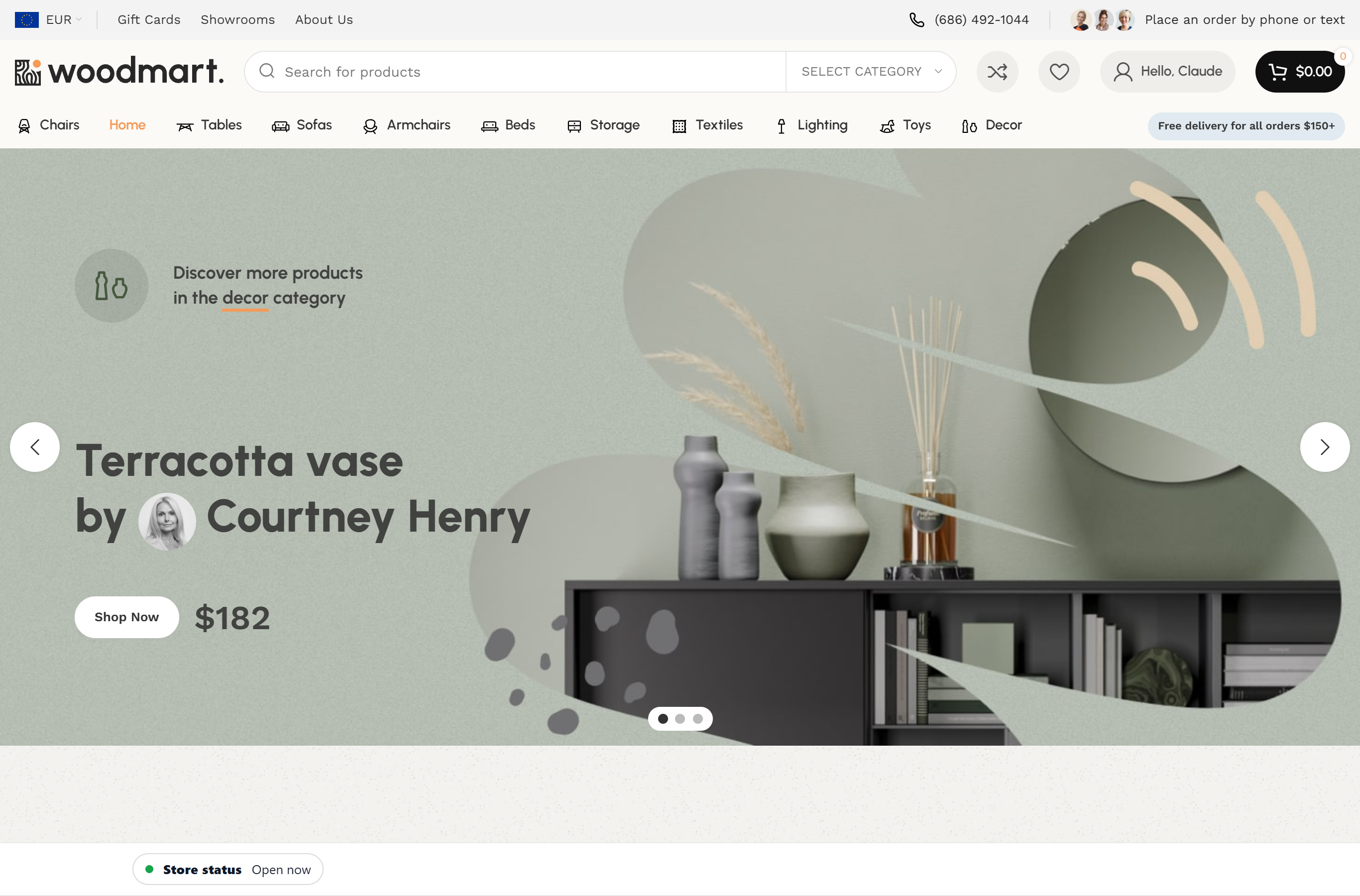
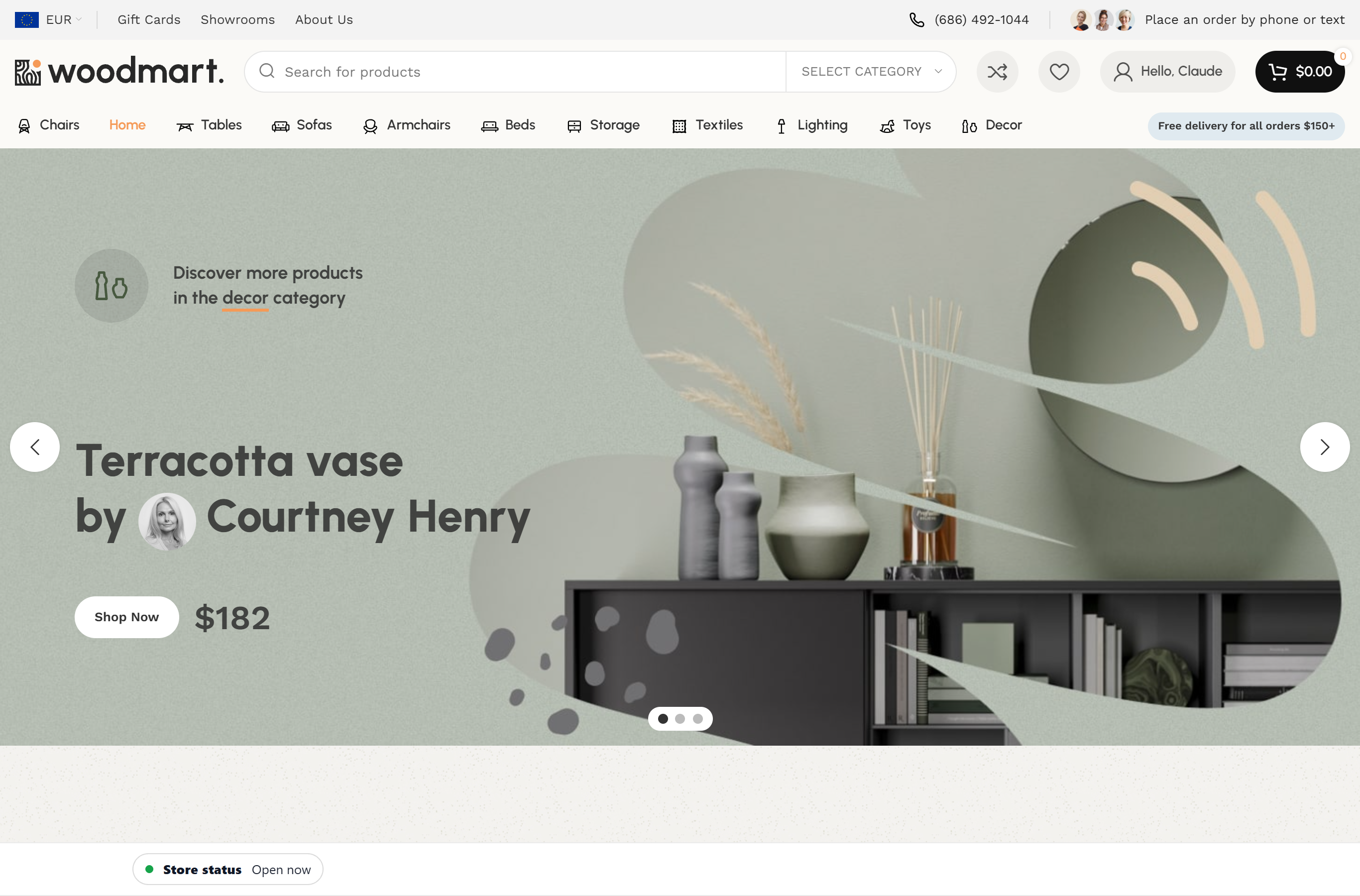
Your hours are scattered across Google, Facebook, your contact page, and a footer widget — and none of them agree. You close at 9 but you're getting tickets at 8:54 the kitchen has no chance of fulfilling. Store Hours fixes the display side: a real-time open/closed status (sticky bar, floating widget, or shortcodes) plus weekly schedules, holiday overrides, and "closing soon" messaging. Pro adds an order-cutoff notice — your displayed status flips to "closed for orders" 30 minutes before you lock the door and an advisory notice shows on cart/checkout, so shoppers see the last-call warning. Note: the cutoff is display-only; it changes what customers see, it does not block checkout.
If any of these sound like you
Restaurants and cafés taking 'are you open?' calls all day
Your phone rings ten times a day with the same question and your hours are already on your homepage somewhere. Sticky bar across every page, real-time open/closed status, holiday overrides — let the site answer it so your front-of-house doesn't have to.
Delivery shops, ghost kitchens, and dispensaries
Your kitchen needs 30 minutes to finish the last ticket. Your store closes at 9. Today an order came in at 8:54 and a one-star review came in at 9:42. Pro's cutoff notice flips your status to "closed for orders" and shows a last-call advisory on cart/checkout before you close the door — a clear heads-up so late tickets slow down. (Display-only; it does not block checkout.)
Local retail with weird hours
You're closed Monday, open late Thursday, closed early Christmas Eve. The weekly schedule editor handles multiple time ranges per day and the holiday overrides handle the rest. Sticky bar shows the truth in real-time so nobody shows up Monday at 7am.
Service businesses with appointment-driven hours
Salons, repair shops, studios, clinics — your hours change and your customers need to see the current truth, not last quarter's PDF. Set it once, four shortcodes drop the schedule into any page, and the floating widget gives a glance-at-status indicator from anywhere on the site.
What's in the box
Everything in the free column works on its own — install it and you're done. The pro column is an optional upgrade for power users; you never need it to use the plugin.
Free version
no purchase required · fully usable
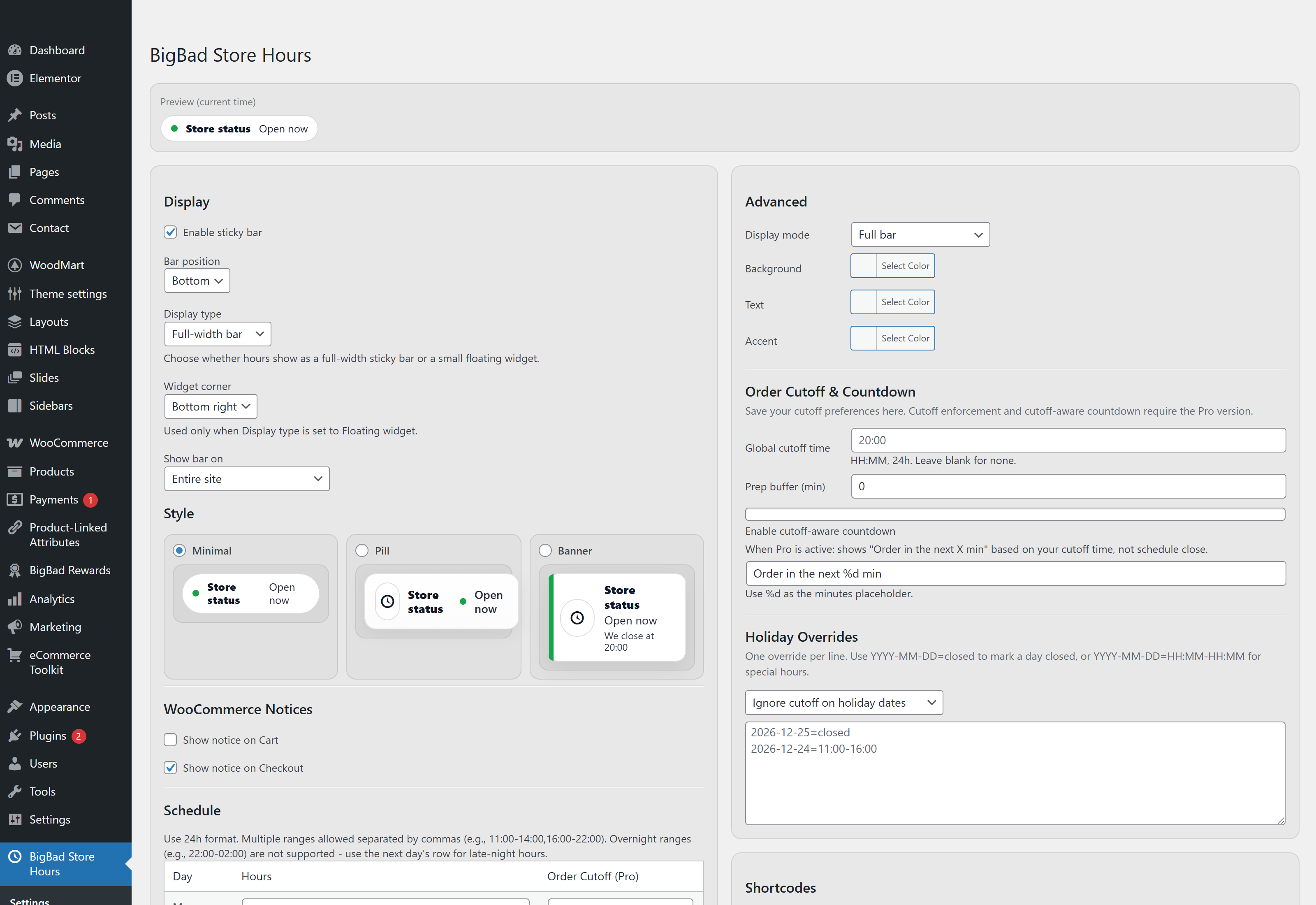
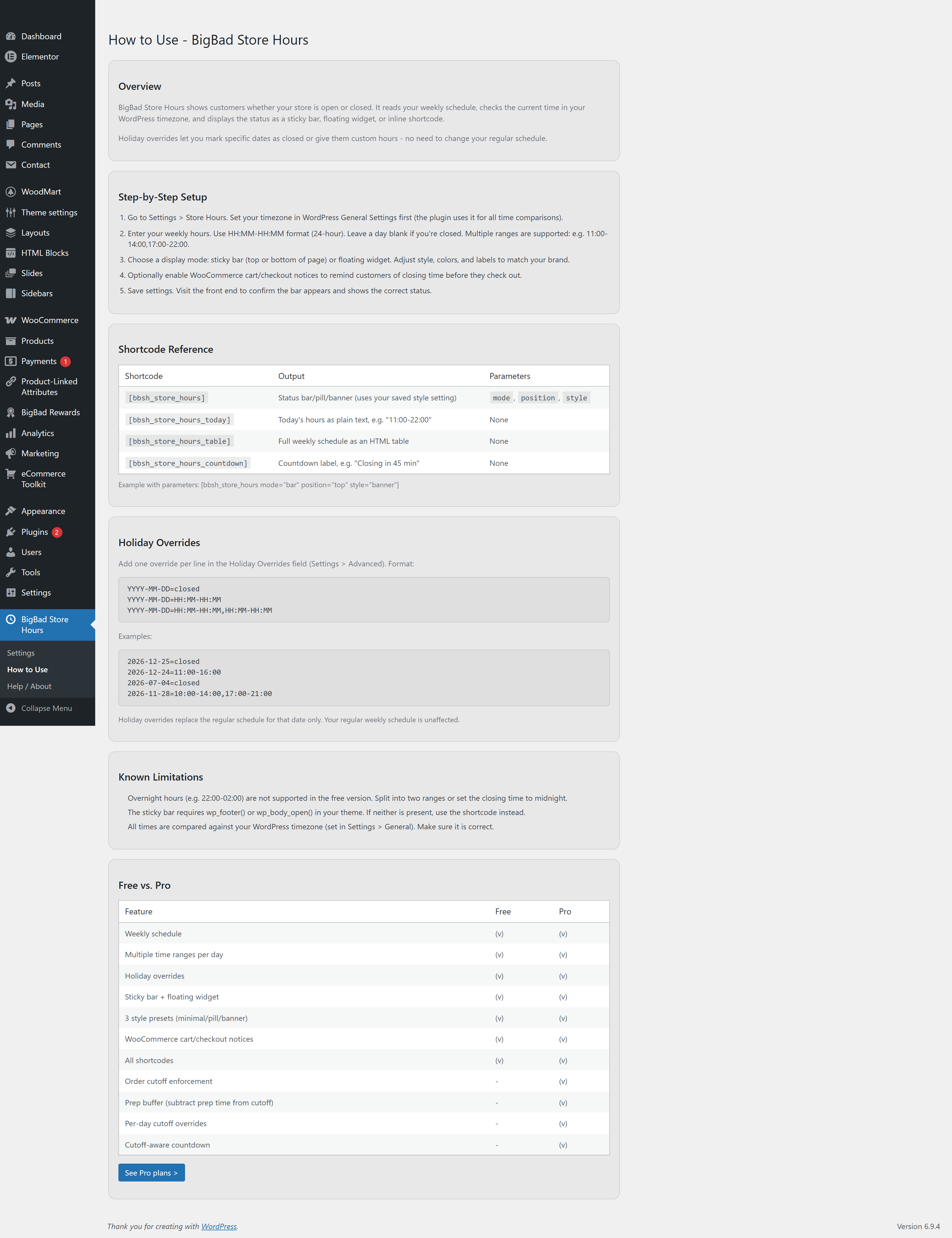
- Weekly schedule editorMon-Sun with multiple time ranges per day (e.g. 09:00-12:00, 13:00-17:00).
- Holiday overridesClosed days or custom hours for specific dates.
- Sticky barTop or bottom of every page. 3 style presets: minimal, pill, banner.
- Floating widgetPosition-anywhere status indicator with conversational messaging.
- 4 shortcodes[bbsh_store_hours], [bbsh_store_hours_today], [bbsh_store_hours_table], [bbsh_store_hours_countdown].
- WooCommerce noticesOptional cart and checkout notices when you're closed or closing soon.
- "Closing soon" messagingCustomizable threshold (e.g. notify visitors 30 min before close).
- Color, font, shadow customizationMake it match your site without writing CSS.
Pro adds (optional)
an upgrade, not a gate
- Order cutoff noticeFlips your displayed status to "closed for orders" X minutes before close and shows an advisory notice on cart/checkout, even while the store is technically still open. Display-only — it changes what customers see; it does not block checkout. A clear last-call heads-up for delivery, kitchens, dispensaries.
- Prep bufferSubtract minutes from cutoff time. Account for prep, packing, and out-the-door time.
- Per-day cutoff overridesDifferent cutoff times for different days. Friday cutoff at 9pm, Sunday cutoff at 7pm.
- Cutoff-aware countdownThe countdown shortcode ticks to your cutoff time, not your close time. Customers see how long they have to actually order.
Screenshots
No lite-version tricks
- ✓Weekly schedule + holidays
- ✓Sticky bar + widget + 4 shortcodes
- ✓WooCommerce notices
- ✓All styling options
- ✓Everything in Free
- ✓Order cutoff notice (display-only)
- ✓Prep buffer + per-day overrides
- ✓Cutoff-aware countdown
- ✓Email support
- ✓Everything in 1 Site
- ✓Use on up to 5 sites
- ✓Priority email support
Common questions
Does this require WooCommerce? +
What time format should I use for hours? +
Can I disable the floating bar and just use shortcodes? +
How do holiday overrides work? +
What's the difference between the free and pro versions? +
Can I show different hours on different pages? +
Does the countdown count to my close time or my cutoff time? +
Will it slow down my site? +
Does it work with caching plugins? +
Can I translate it? +
Where do I get support? +
GET PRO.
FREE FOR 14 DAYS.
Unlock every Pro feature of Store Hours right now. Add your card, use it free for 14 days, and cancel anytime in one click before day 14 — pay nothing.